MCP server · Rust 1.97.1+ · MIT
Run one file.
Fix it from your LLM.
Remote support and server administration from any MCP client — or any LLM that can make ordinary HTTPS requests.
Their machine
./omas
Send this link:
relay.omas.taps.im/t/8zxt954jz…
Allowthey press this
Your LLM
            Connector URL added


            “why did nginx die last night?”


            ✓ read /var/log/nginx/error.log

            ✓ ran systemctl status nginx
works until they close the window
- No VPN
- No SSH key
- No inbound port
- Nothing installed
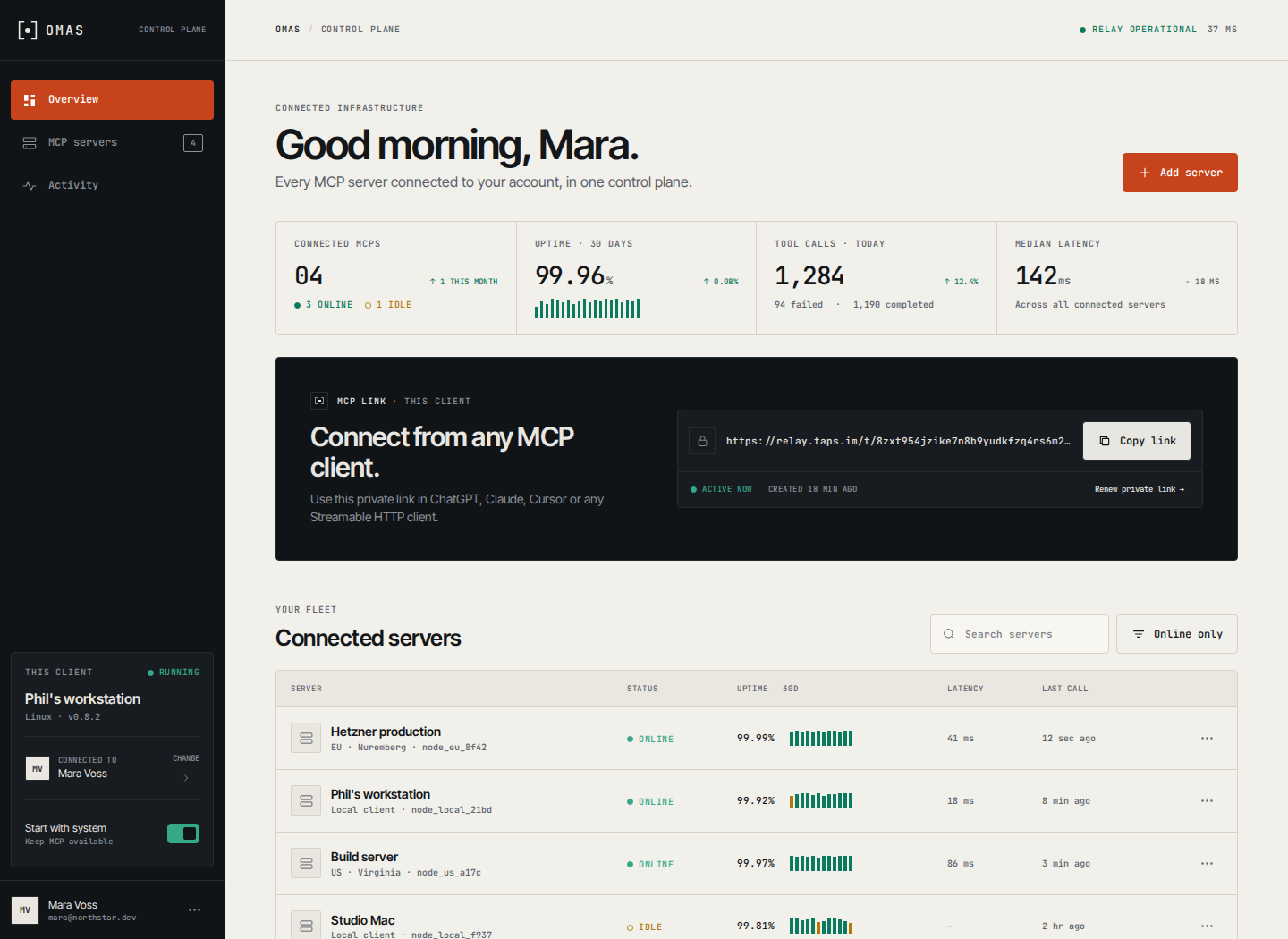
The MCP control plane
Your clients, links and servers in one view.
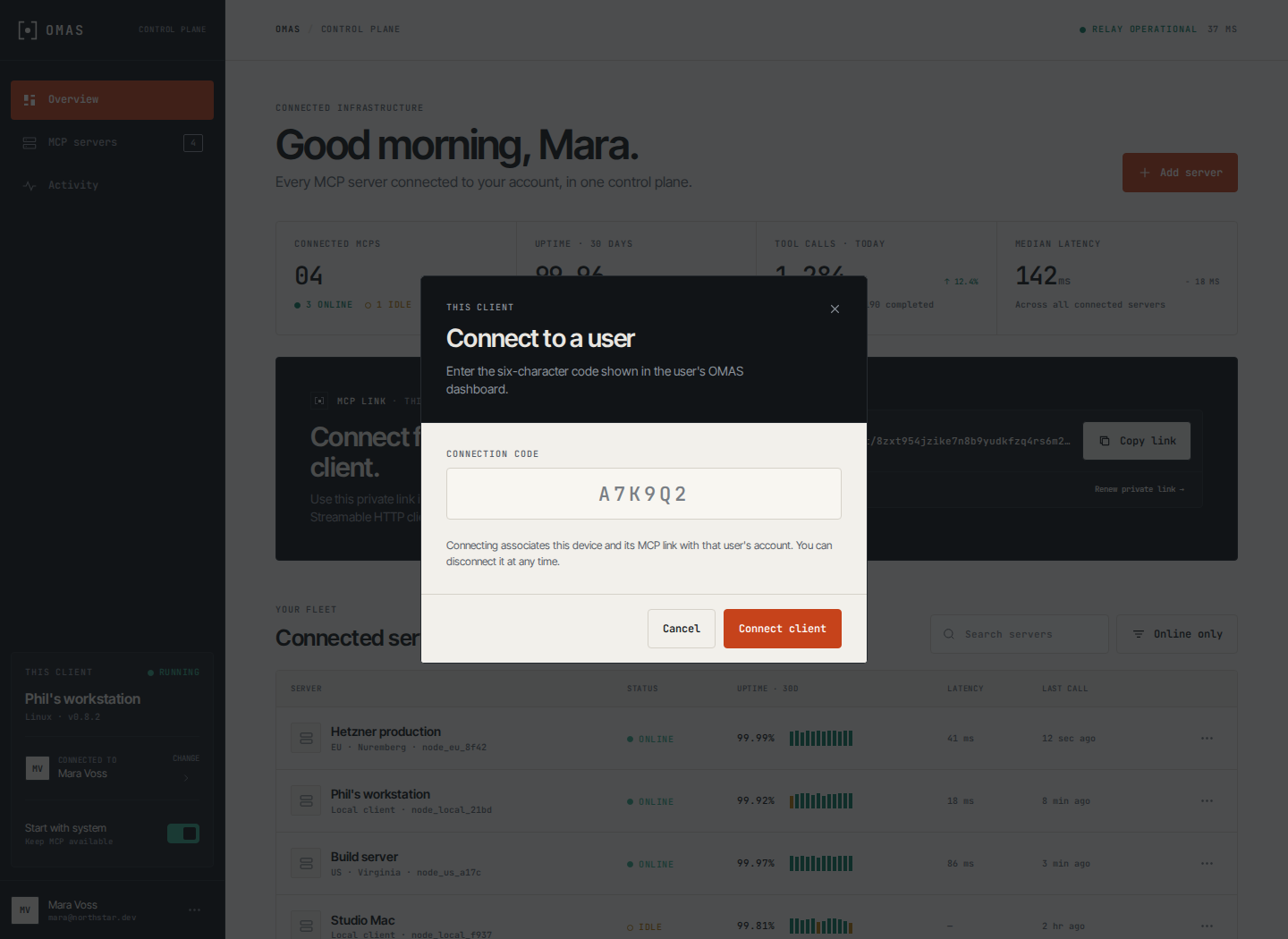
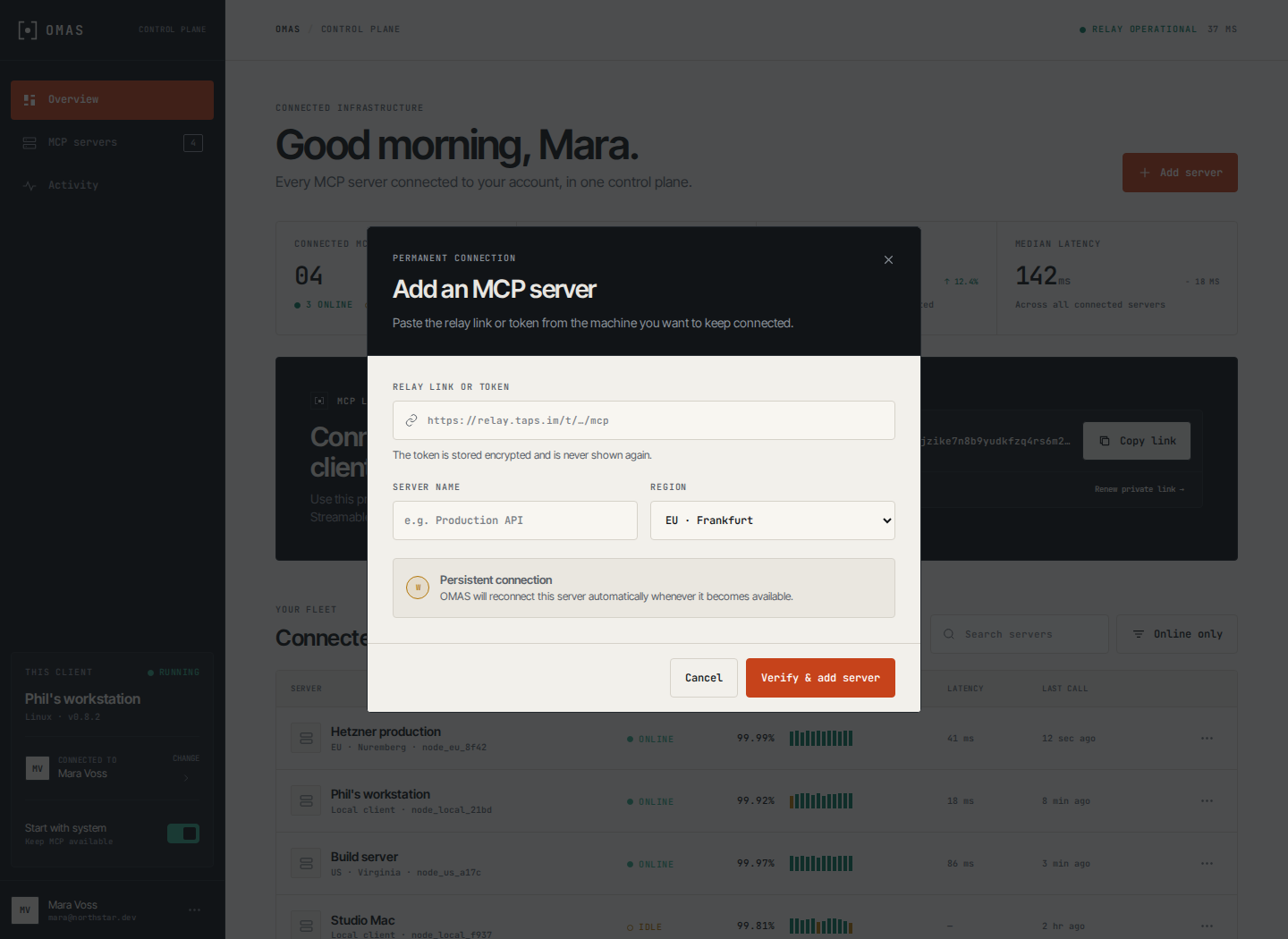
See every connected MCP, keep this client available at startup, renew private links, and pair another machine without leaving the dashboard.
A session, end to end
Four steps, and two of them are theirs.
The person being helped stays in charge of the whole thing. You never ask them for a password, and they never install anything.
- They run it
One file, nothing to install
The person who needs help — or the server you have to fix — starts OMAS. No account, no installer, no admin rights. On Windows a small window opens; on a server it prints to the console.
- They send the link
A fresh link, good for this session
One link appears. They paste it into chat, read it down the phone, or you copy it off the server yourself. The next session gets a different one.
- You connect
Any MCP client or HTTPS caller
Paste it into ChatGPT, Claude or Cursor, or call its JSON tools with curl. Their machine dialled out to reach the relay, so nothing had to be opened on their side.
- They allow
Nothing happens until they say yes
Until they click Allow — or press Enter in the console — every request comes back refused. The link on its own grants nothing.
On their machine
A window with one link in it.
On Windows that is a small window, the way remote-support tools have always looked. On a Linux server the same thing prints to the console.
./omas
OMAS support session
Send this link to the person helping you:
https://relay.omas.taps.im/t/8zxt954jzike7n8b9yudkfzq/mcp
Nothing is shared until you approve.
Press Enter to allow.
They stay in charge of it
The link is useless on its own. Until Enter is pressed — or Allow is clicked in the Windows window — every request you make comes back refused, and the refusal is written to the audit log.
Closing the window ends the session. Nothing is left running and nothing is left open.
Connection guide →After they allow
You get what a support engineer needs.
This is a remote-support tool, so an approved session is not a narrow one. We would rather say that plainly than bury it in a policy page.
Read anything
Every file, log and config on the machine, searchable.
Change and delete
Edit files in place, apply multi-file changes, remove generated artifacts.
Run commands
Execute on the machine and read back bounded, secret-redacted output.
See the screen
Screenshots and short silent recordings of what they are looking at.
That is the same reach as a person sitting at the machine. It is exactly why the session has to be approved on that machine, by the person using it, every single time.
Why the link is safe to hand out
The link is not the key.
Remote-support tools fail when holding a link is enough. Here it never is.
It is shut until they say yes
The approval latch starts closed, and a tool is refused before its arguments are even validated. Only the keyboard in front of that machine can open it.
Nothing inbound is opened
The machine dials out over WSS. No port forwarding, no firewall rule, no VPN — and nothing left listening when the session ends.
A different link every time
Session tokens are generated per run from an alphabet with no l, o, 0 or 1, so they survive being read aloud. A link that leaks stops working when the session does.
Every call is audited
Each request emits a value-free JSON event with the tool, outcome and timing — never the contents. Refusals are recorded too.
The other way to run it
For machines you own, scope it down instead.
An attended session is all-or-nothing by design. A machine you administer yourself can run OMAS permanently with a fixed scope and a capability mode per directory.
- --mode read— bounded, non-mutating
Bounded reads
Bounded repository reads and search. Writes stay disabled.
- Tree, search, and bounded file reads
- Policy explanation before you attempt an operation
- Bounded images and multi-file reads
- --mode write— mutating but contained
Contained writes
Everything in read, plus policy-checked file writes subject to denied paths, size limits, symlink checks, and secret scanning.
- Repo-relative file writes
- Hard denied-path and secret-value rejection
- Configured byte and path limits enforced
- --mode ship— local history and destructive operations
Local cleanup
Everything in write, plus deletion of generated, untracked artifacts under an explicit path list.
- Untracked cleanup under an explicit path list
- Refuses tracked files outright
- Never runs a shell or a Git command
No mode enables arbitrary command execution. Commands are gated separately and stay disabled until configured explicitly.
22 tools
MCP when you have it. Plain HTTPS when you do not.
Every tool uses the same embedded schemas, approval latch and audit trail whether it is called through an MCP session or the compact JSON bridge behind your relay token.
curl -sS "$OMAS_URL/http/tools"
curl -sS -X POST "$OMAS_URL/http/call" \
-H 'content-type: application/json' \
--data '{"tool":"repo_list_roots","arguments":{}}'

Questions
What people ask first
What can the helper actually do once I allow?
Is the link enough to get in?
Do I have to open a port or set up a VPN?
What happens to the link afterwards?
Can I use this on a server instead of someone's desktop?
./omas over SSH once, or from a systemd unit, and the connector link prints to the console instead of opening a window. For a machine you administer permanently you can also run it with a fixed configuration and a capability mode per directory, so it stays scoped rather than all-or-nothing.Does it only work with ChatGPT?
Do I need Node.js or an installer?
Is the licence a subscription?
Premium · one-time €149
The machine you cannot reach is the one you need most.
The relay is what makes the link work at all from behind NAT — a rack, a home office, a client site. Perpetual licence, verified offline, packaged for Windows, AppImage and Flatpak, and self-hostable if you would rather run the relay yourself.